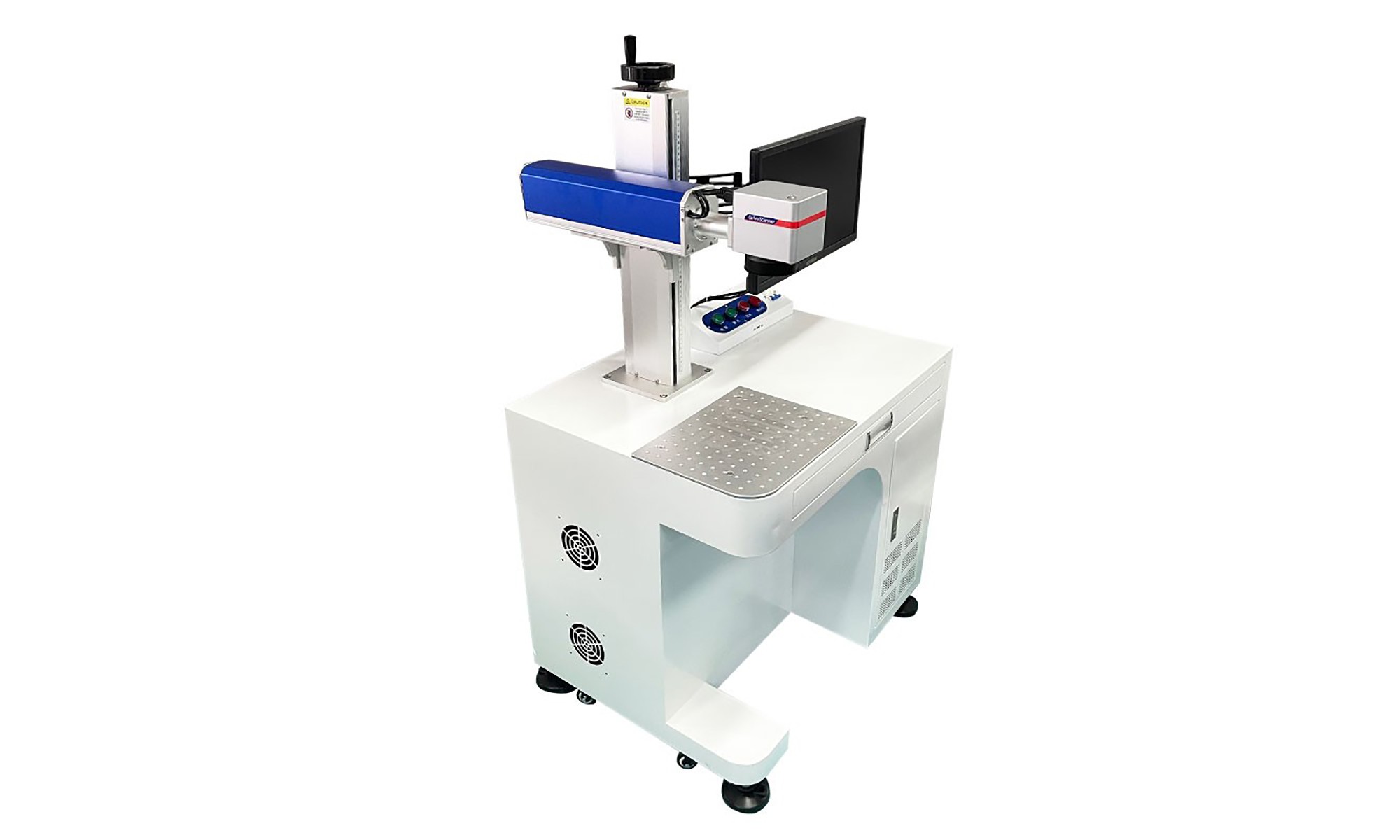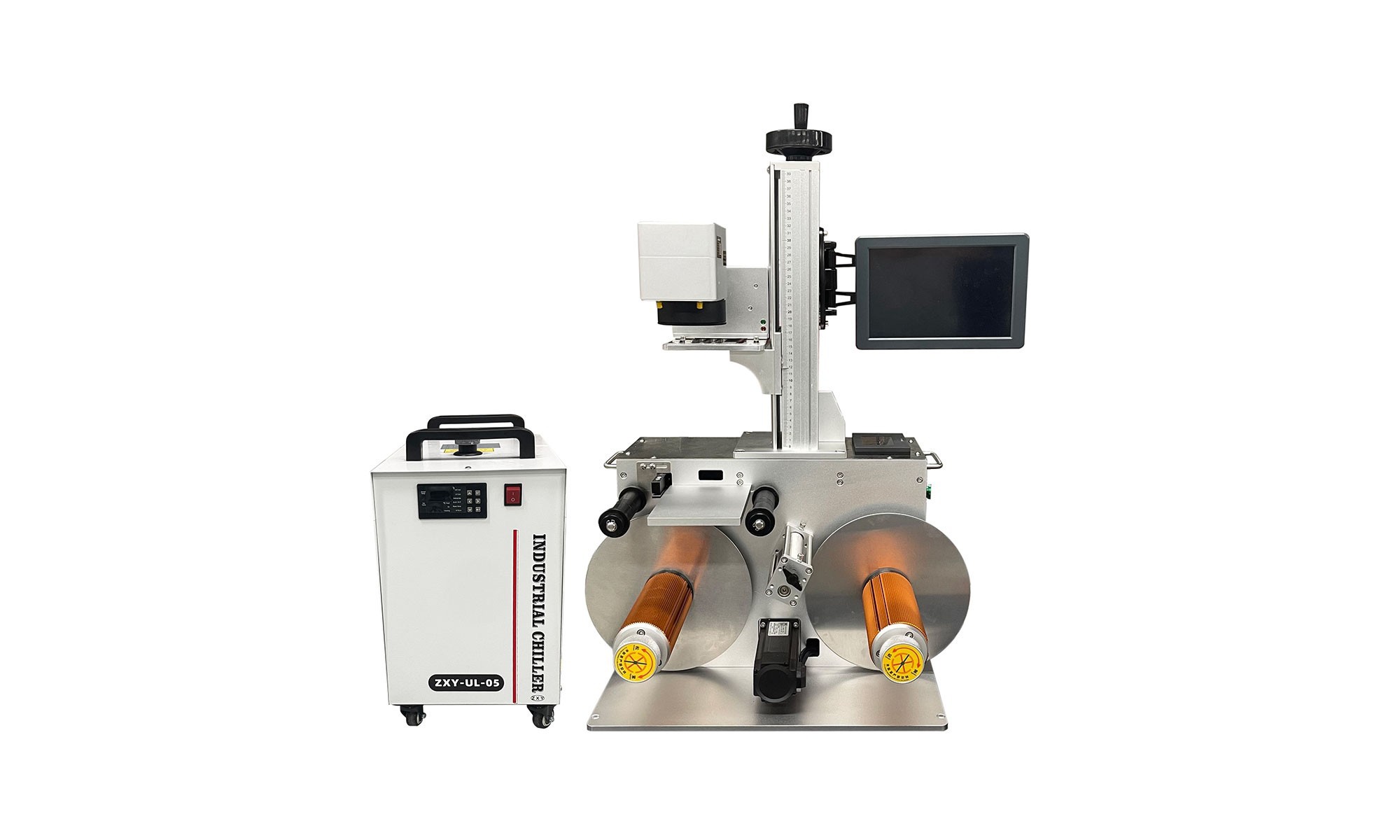
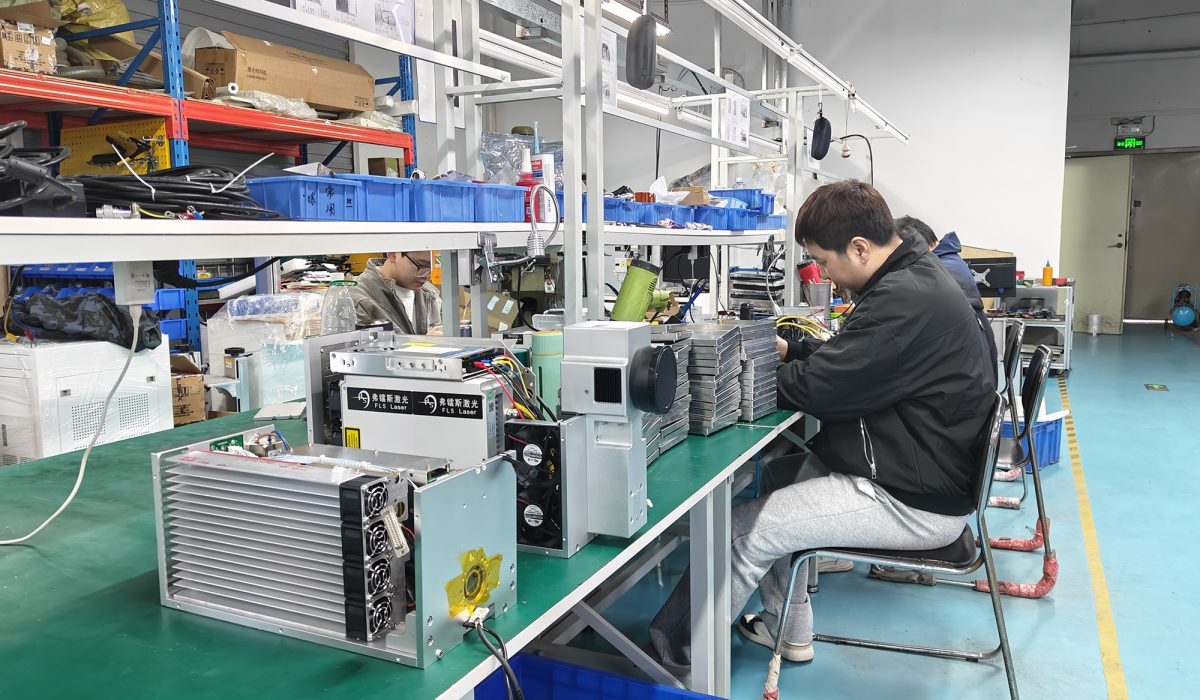
Laser equipment technology turns a beam of light into a permanent mark. Inside a fiber laser marking system, the beam leaves the laser source, sweeps through a galvo scanner, passes an F-theta lens and lands on your part. Every stage shapes the result, so a weak link anywhere in the chain shows up on the workpiece. This guide walks through the full chain and explains which specifications change the mark and which ones only change the brochure.
You do not need a physics degree to buy well. However, you do need to know which numbers decide contrast, depth and cycle time. In short, some numbers matter and the rest are marketing.
The Five Stages of a Fiber Laser Marking System
A marking system is a chain, not a single box. Each stage adds value, and each stage can also become the weak point.
1. Laser source
The source generates the beam. In fiber laser marking technology, a ytterbium-doped fiber is pumped by laser diodes to produce light at 1064 nm. Popular industrial sources include Raycus, JPT, MAX and IPG. Moreover, a quality source lasts more than 100,000 hours, laser source specifications from 20W to 100W which is why the source brand is the first line on a serious quote.
2. Galvo scanner
The galvo scanner steers the beam with two small mirrors on high-speed motors. Speed and repeatability come from here. Industrial heads reach 7,000 mm/s or more, yet real production speed depends on the graphic rather than the peak figure on a datasheet.
3. F-theta lens
The lens focuses the beam across a flat field. A 110 x 110 mm lens gives a fine spot for small parts, while a 300 x 300 mm lens covers a larger area with a wider spot. Therefore, choose the field around your part rather than the other way round.
4. Control board
The board converts design data into mirror movements and laser pulses. It sets timing accuracy, and it dictates which signals your production line can exchange.
5. Software
Software decides how quickly an operator goes from file to finished part. Most industrial machines run EZCAD, while LightBurn suits simpler 2D work.
Fiber, UV and CO2: Matching the Source to the Material
| Source | Wavelength | Best materials | Typical use |
|---|---|---|---|
| Fiber (Yb) | 1064 nm | Stainless steel, aluminium, brass, plated parts | Serial numbers, logos, deep engraving |
| UV (DPSS) | 355 nm | cold marking with minimal heat damage on plastics and glass | Cold marking with low heat damage |
| CO2 | 10.6 um | organic materials and packaging marking | Organic materials and packaging |
Most buyers who search for laser equipment technology start with metal, and metal means fiber. Meanwhile, UV enters the picture when heat is the enemy. By contrast, CO2 stays the choice for non-metals.
MOPA versus Q-Switched: Why Pulse Control Matters
Both are pulsed fiber lasers, and the difference sits in the pulse. A MOPA source allows adjustable pulse width, often from 1 ns to 400 ns, plus a wide frequency range. A Q-switched source has a fixed pulse width and limited frequency adjustment.
That flexibility changes what you can do. MOPA marks colour on stainless steel and black on anodised aluminium, because a short controlled pulse grows a thin oxide layer instead of ablating metal. It also protects delicate plastics and thin foils. By contrast, Q-switched sources deliver stronger pulse energy and remain the cheaper route to deep engraving. So if you need colour and fine detail, choose MOPA. If you need depth at the lowest cost, Q-switched still works.
Beam Quality, Spot Size and Marking Field
Beam quality is written as M squared. A value close to 1 means a near-perfect beam that focuses into a small, sharp spot. Smaller spots produce finer lines, smoother edges and more predictable energy. Marking field and spot size move in opposite directions, because a longer focal length covers more area but widens the spot. Therefore, if you mark a 5 mm connector and an aircraft panel, plan for two lenses rather than one compromise.
Software: Where Laser Equipment Technology Meets Daily Work
Software is the stage your operators touch all day. Confirm three things before you buy. First, check the supported formats, since AI, DXF, PLT, BMP and JPG are the minimum for industrial work. Second, read the licence terms, because a locked dongle can stop a night shift. Third, test the automation hooks: barcode and serial-number databases, rotary axis support, vision alignment for automated production lines and PLC or MES connections.
Laser Equipment Technology Specs That Actually Matter
| Specification | What it really tells you |
|---|---|
| Laser power (20W – 100W) | Depth and cycle time, not mark quality |
| Pulse width (or pulse type) | Colour marking, heat input and plastic safety |
| Frequency (kHz) | Surface finish and heat build-up |
| Beam quality (M squared) | Spot size, line width and edge sharpness |
| Marking field (mm) | The largest part you can mark without moving it |
| Repeatability (mm) | How well part 10,000 matches part one |
Five Common Technical Mistakes and Their Fixes
- Wrong focus height. Light or blurry marks usually mean the focal distance is off, so use a focus gauge or the red preview beam.
- Power and speed mismatch. Too much power with slow speed burns the surface, and too little with fast speed leaves a weak mark. Therefore, test on scrap first.
- Bad source files. Low-resolution DXF or CDR files produce ragged edges. Clean the vector before marking.
- Wrong hatch settings. Hatch spacing sets the fill, so too wide leaves visible lines while too narrow overheats the part.
- Dirty optics. Dust on the lens or galvo window scatters energy. Clean optics weekly in heavy production.
- Factory application engineers can help tune these parameters.
Frequently Asked Questions
What is laser equipment technology in simple terms?
It is the chain that turns design data into a focused beam. A laser source, a galvo scanner, a focusing lens, a control board and software tie the chain together.
Can a Q-switched fiber laser mark colour?
No. Colour marking depends on short, adjustable pulses that grow a controlled oxide layer, so it needs a MOPA source. A fixed-pulse Q-switched laser marks monochrome only.
Is MOPA slower than Q-switched?
For pure monochrome ablation at full power, a Q-switched source can be marginally faster. Across most real marking work the gap is small, and MOPA adds control that usually matters more.
Do I need LightBurn or EZCAD?
EZCAD remains the industrial standard, and it supports rotary axes, vision and 3D. LightBurn offers a friendlier interface for 2D work, so many workshops keep both.
If you’d like our engineers to help match a source and configuration to your exact materials and cycle time, send us a sample part or contact our application team.
Next Step
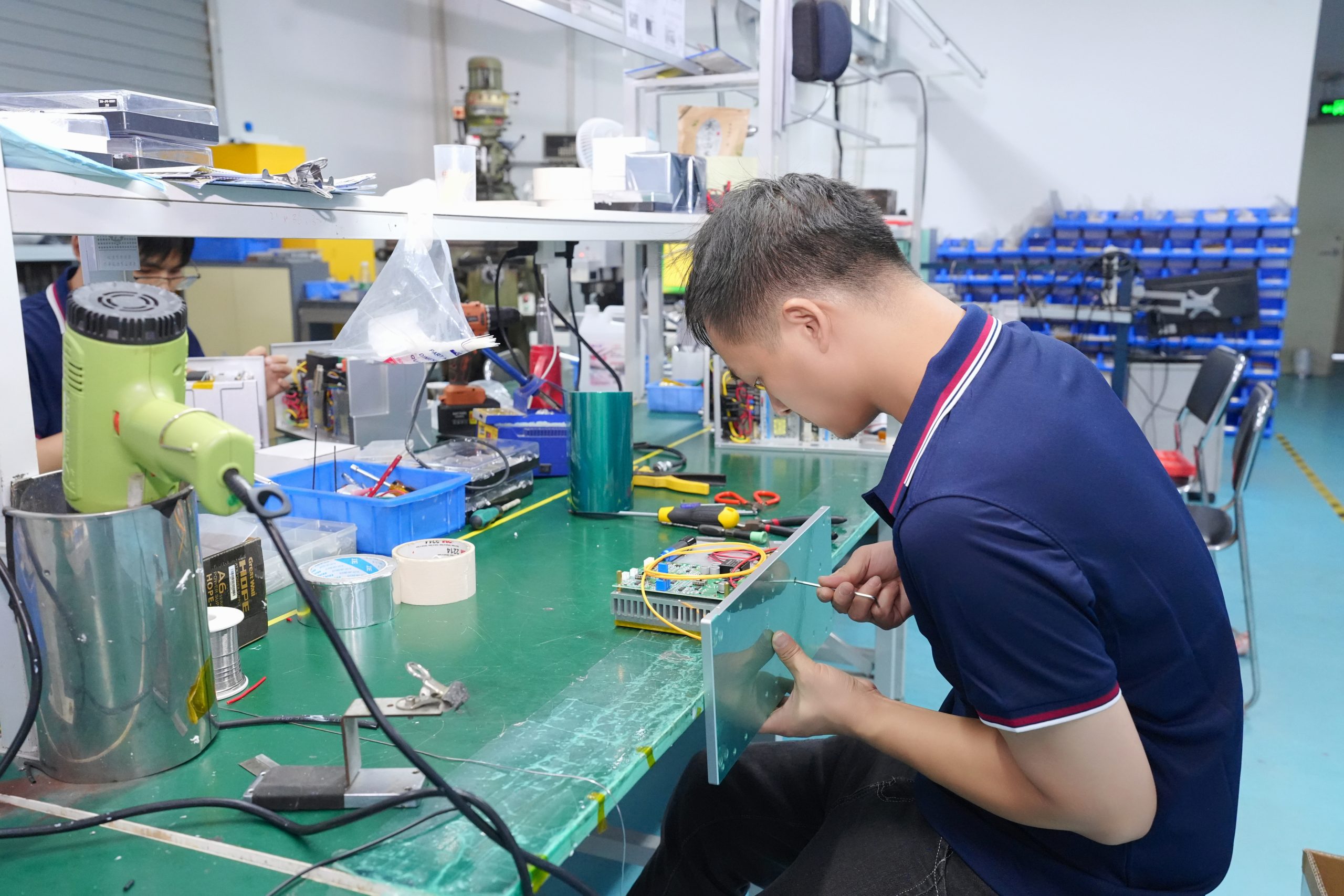
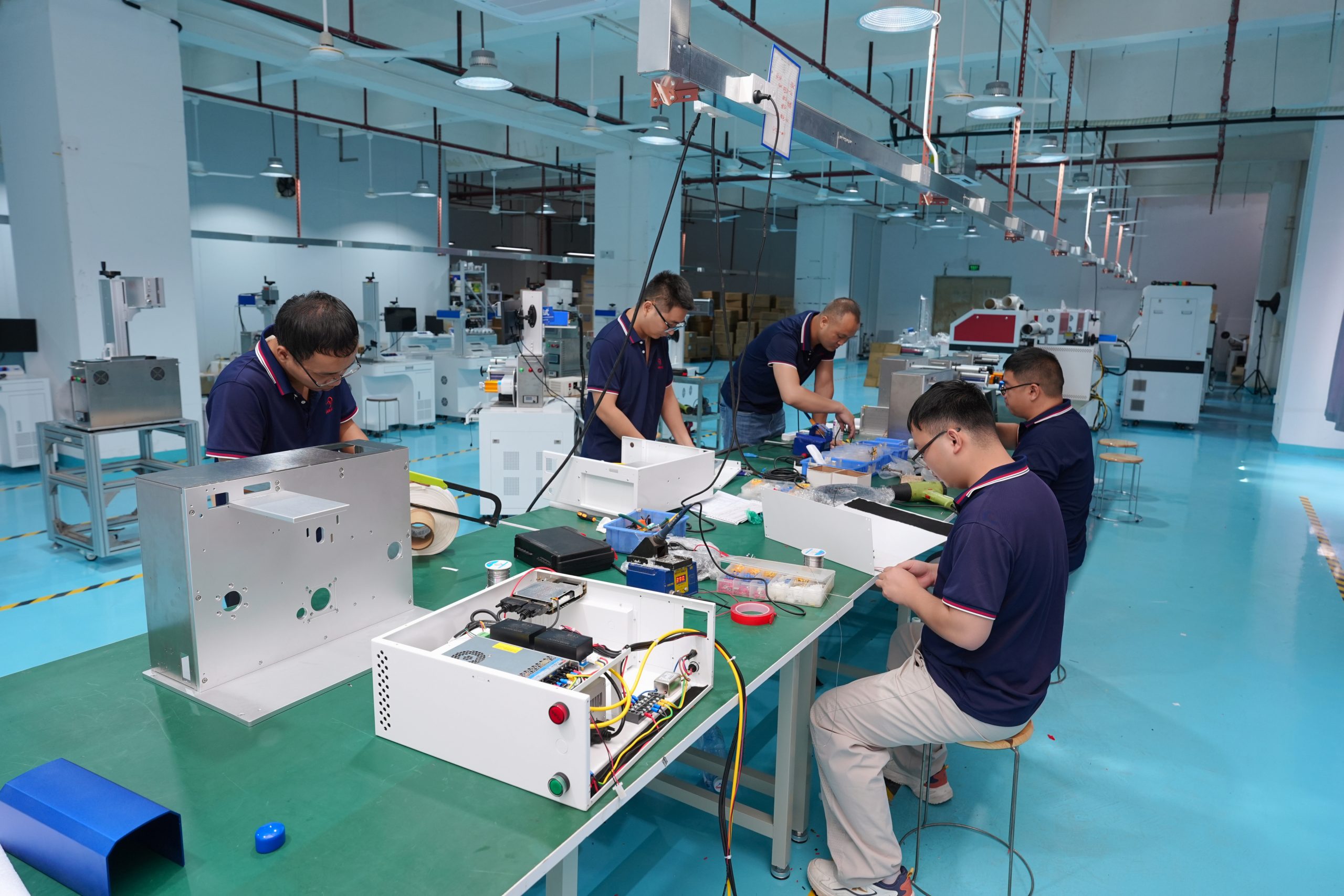
First, match the source to your material. Then match the lens to your part. After that, send a sample and ask for the parameters in writing, because a demo part should be reproducible. FLS Laser develops its own laser sources, scanning systems, control boards and software in Shenzhen. For the wider picture, read our fiber laser marking machine page, our supplier buying guide and our complete product guide.