Buying a CO2 laser marking machine is a significant investment that can transform your production efficiency, product quality, and profit margins. But with so many options on the market — from $1,500 desktop units to $20,000+ industrial systems — choosing the right machine for your specific needs can feel overwhelming.
This CO2 laser marking machine buying guide walks you through every critical factor: power selection, price ranges, ROI calculation, manufacturer evaluation, hidden costs, and the 9 questions you must ask before placing an order. Whether you’re a small business owner, a production manager, or an entrepreneur starting a laser marking business, this guide will help you make a confident, well-informed purchase in 2026.
First Step: Define Your Application Before You Compare Machines
The biggest mistake buyers make is shopping by price or power before clearly defining what they need the machine to do. Start by answering these five questions:
- What materials will you mark? — Wood, acrylic, leather, plastic, glass, paper, coated metal? Each material responds differently to CO2 laser energy.
- What size is your marking area? — Small components (20×20 mm), standard labels (110×110 mm), or large signs (300×300 mm)?
- How fast do you need to mark? — A few parts per hour, or hundreds per minute on a production line?
- What mark quality do you need? — Basic text, high-resolution graphics, micro-sized codes?
- What’s your production volume? — Low-volume customization, batch production, or 24/7 continuous operation?
Your answers to these questions will narrow your options faster than any spec sheet. A 30W desktop CO2 laser marking machine might be perfect for a gift personalization business but completely unsuitable for a high-speed beverage packaging line.
How to Choose the Right Power Level
Power is the single most important specification — and the one buyers most often get wrong. Here’s what you need to know:
| Power | Best For | Typical Price Range | Marking Speed |
|---|---|---|---|
| 10W–20W | Fine marking, electronics, PCB, small plastics | $2,000–$4,500 | High (fine detail) |
| 30W | General industrial marking, packaging, small business | $3,000–$7,000 | Fast |
| 40W–50W | Engraving, signage, wood, acrylic, leather goods | $4,500–$10,000 | Medium-Fast |
| 60W–80W | Deep engraving, thick materials, cutting | $7,000–$15,000 | Medium |
| 100W+ | Heavy industrial, deep cutting, production cutting | $12,000–$25,000+ | Variable |
Buyer’s tip: Don’t buy more power than you need. Higher power means higher upfront cost, higher operating costs (electricity, tube replacement), and sometimes lower mark quality on delicate materials. Buy the minimum power that handles your current needs with 20% headroom for future growth.
On the other hand, buying underpowered equipment is an even bigger mistake — if you constantly run your machine at 100% power, the laser tube will degrade much faster, and you’ll struggle with slow cycle times.
CO2 Laser Marking Machine Price: What You Actually Pay in 2026
Price is usually the first thing buyers want to know, and there’s enormous variation. Let’s break down what you get at each price point.
Entry Level ($1,500 – $3,500)
- Typical power: 30W–40W glass tube
- Best for: Hobbyists, small workshops, start-up laser businesses
- Tube life: 2,000–5,000 hours
- Software: Usually LightBurn-compatible or basic proprietary software
- Warranty: 1–2 years on parts, 3–6 months on tube
- Watch out for: Poor alignment, low build quality, no local service support
Mid Range ($3,500 – $8,000)
- Typical power: 30W–60W (glass or entry-level RF tube)
- Best for: Established small businesses, medium-volume production, signage shops
- Tube life: 5,000–15,000 hours
- Software: EZCad or equivalent industrial software
- Warranty: 2 years on machine, 1 year on tube
- Features: Safety enclosure, fume extractor, rotary attachment options
- Sweet spot for most buyers — the best balance of quality, features, and price
Industrial / Premium ($8,000 – $25,000+)
- Typical power: 30W–100W+ premium RF tube (Synrad, Coherent)
- Best for: 24/7 production lines, large manufacturing, high-precision applications
- Tube life: 20,000–45,000+ hours
- Software: Industrial-grade with advanced features, automation integration
- Warranty: 2–3 years, with on-site service options
- Features: Full safety enclosure, auto-focus, machine vision, conveyor integration
- Brands: Videojet, Domino, Keyence, Trotec, Universal Laser Systems
Hidden costs to budget for:
- Fume extraction system: $200–$1,500 (essential for safety and compliance)
- Rotary attachment: $150–$500
- Spare parts (lenses, mirrors): $100–$500 per year
- Laser tube replacement: $300–$3,000+ depending on type
- Training and installation: $500–$2,000
- Shipping and import duties: varies by location
Calculating ROI: When Will Your CO2 Laser Marking Machine Pay for Itself?
A CO2 laser marking machine is an investment, and like any investment, you should calculate its return before buying. Here’s how:
Step 1: Calculate Current CostsWhat are you spending now on marking? Include:
- Labor cost for manual marking or pad printing
- Consumables (ink, solvents, stamps, screens)
- Outsourcing costs if you send marking work to a service provider
- Scrap and rework from low-quality marks
Step 2: Estimate New Costs
- Monthly electricity: $20–$100
- Annual maintenance: $200–$1,000
- Amortized tube replacement: divide tube cost by expected life in months
- Operator labor (may be the same or less than before)
Step 3: Calculate SavingsSubtract new costs from current costs. Also include:
- Increased production capacity (can you take on more work?)
- Higher pricing for laser-marked products (perceived value is higher)
- Reduced scrap and rework
ROI Example — Small Custom Gift Business:
- Current outsourcing cost for 200 items/month: $10/item × 200 = $2,000/month
- Buy a 40W CO2 laser marking machine: $5,000
- Monthly operating cost (electricity, maintenance amortized): $80
- Labor: same owner/operator (no additional cost)
- Monthly savings: $2,000 – $80 = $1,920
- ROI period: ~2.6 months (plus you can take on more work)
ROI Example — Industrial Packaging Line:
- Current inkjet coding: 2 printers × $300/month ink + $4,000/year maintenance = $9,200/year
- Buy a 30W CO2 laser marking machine with conveyor: $12,000
- Annual operating cost: $1,200
- Annual savings: $9,200 – $1,200 = $8,000
- ROI period: ~1.5 years (plus no ink mess, permanent marks, no consumable logistics)
Key insight: For most businesses, a mid-range CO2 laser marking machine pays for itself within 6–18 months through labor savings, consumable elimination, and increased production capacity.
9 Critical Factors to Evaluate When Choosing a Supplier
Not all CO2 laser marking machine manufacturers are equal. Use these 9 criteria to evaluate suppliers and avoid costly mistakes:
1. Laser Tube Quality and Brand
The tube is the most expensive consumable and the heart of your machine. Ask:
- What brand of tube is used? (Reci, Yongli, EFR, Synrad, Coherent are reputable)
- What is the rated lifespan in working hours?
- What is the warranty on the tube specifically?
- Can replacement tubes be sourced locally, or only from the manufacturer?
2. Build Quality and Frame Construction
A solid frame ensures alignment stability and long-term precision. Look for:
- Cast aluminum or steel frame (not thin sheet metal)
- Quality linear guides and bearings
- Proper cable management
- CE, FDA, or ISO safety certifications
3. Software Capabilities and Compatibility
Software is where you’ll spend most of your time. Verify:
- What software comes with the machine? (EZCad, LightBurn, proprietary?)
- Does it support your design files (AI, DXF, PLT, BMP, PNG)?
- Can it generate barcodes, QR codes, and variable data?
- Is the software updated regularly?
- Does it support network connectivity for production integration?
4. After-Sales Support and Warranty
This is where many low-cost suppliers fall short. Crucial questions:
- What is the warranty period, and what does it cover?
- Is there local service support in my country/region?
- What is the typical response time for technical support?
- Are spare parts readily available?
- Do they offer video call support for troubleshooting?
Red flag: A supplier that only offers email support with 48-hour response times. For production equipment, you need fast, reliable support.
5. Safety Certifications
Depending on your location, certifications may be legally required:
- CE marking (EU / EEA)
- FDA / CDRH (United States)
- FCC (U.S. electromagnetic compatibility)
- RoHS (restriction of hazardous substances)
- ISO 9001 (quality management)
Always verify certifications are genuine, not just printed on a brochure.
6. Demo and Sample Testing
Never buy a CO2 laser marking machine without testing it on your actual materials. A reputable supplier will:
- Offer free sample marking with your parts or materials
- Provide a live video demo or in-person factory visit
- Allow you to test different power settings and configurations
If a supplier refuses to do sample testing, walk away.
7. Customization and Integration Options
If you need special configurations, ask upfront:
- Can they add a rotary attachment, conveyor, or custom worktable?
- Does the machine support automation integration (PLC, sensor triggering, etc.)?
- Can they customize the enclosure color, branding, or size?
- Do they offer OEM/ODM services?
8. Total Cost of Ownership
The upfront price is only part of the picture. Calculate the 3-year and 5-year total cost, including:
- Tube replacement cost and frequency
- Spare parts availability and pricing
- Maintenance costs
- Energy consumption
- Operator training requirements
A machine with a 30% higher upfront cost but double the tube life might actually be cheaper in the long run.
9. Reputation and Track Record
Finally, do your due diligence on the company:
- How long have they been in business?
- Do they have customer reviews, case studies, or testimonials?
- Are they active in industry trade shows and associations?
- Do they have a physical factory or office you can visit?
- What is their return and refund policy?
Desktop vs. Portable vs. Integrated: Which Configuration Is Best?
CO2 laser marking machines come in several form factors. Choose based on your workspace and production needs:
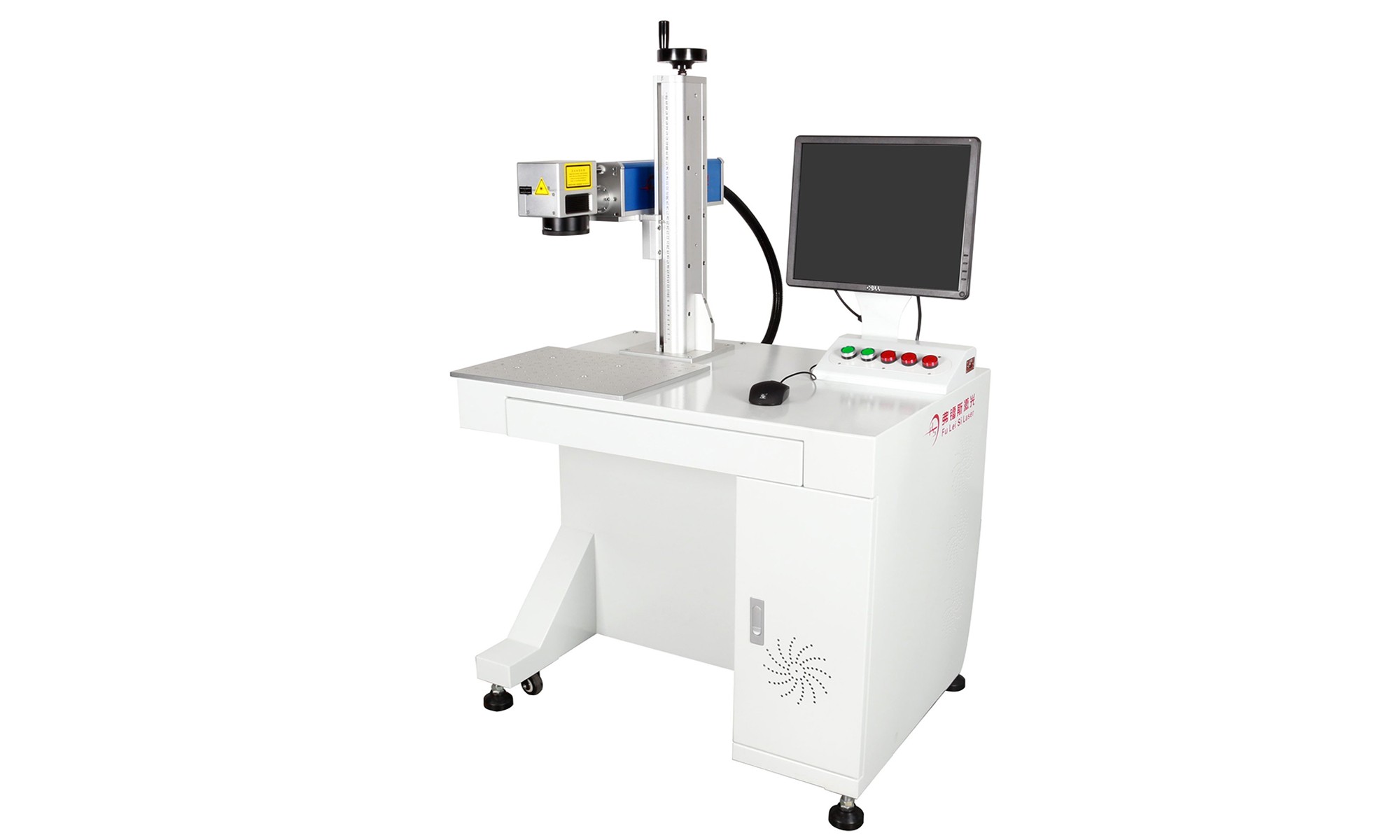
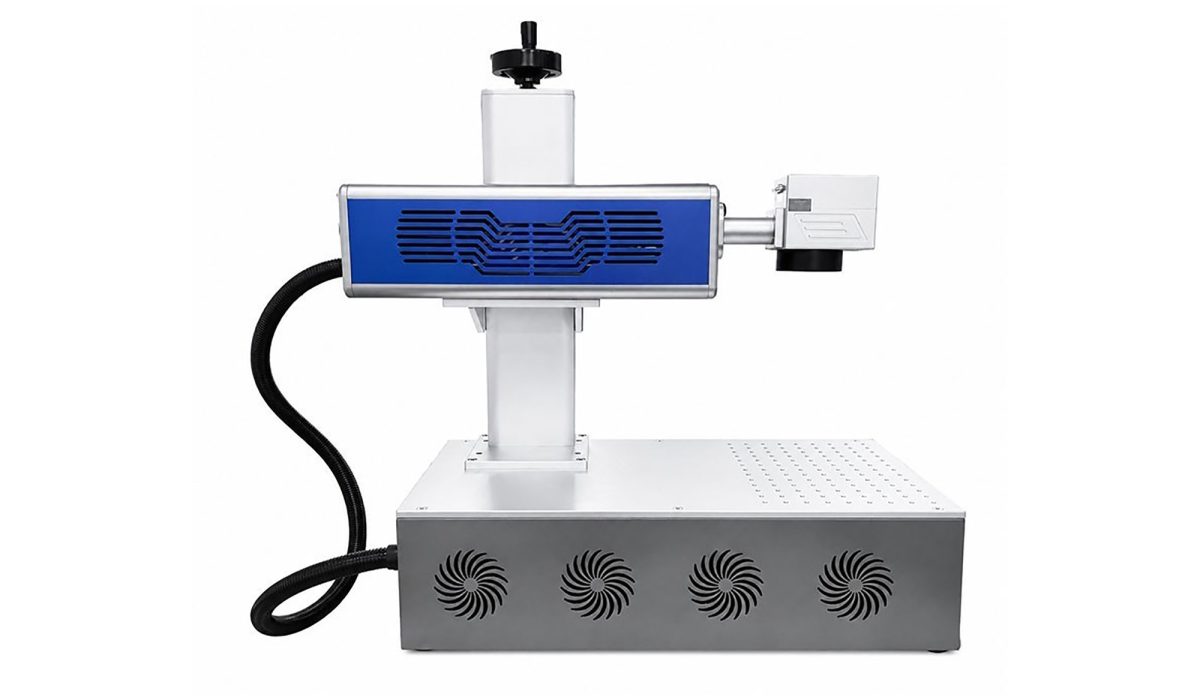
Desktop / Benchtop CO2 Laser Marking Machine
- Best for: Small workshops, labs, offices, low-to-medium volume
- Pros: Compact, affordable, easy to set up, fits on a workbench
- Cons: Limited marking area, may need separate fume extraction, not for 24/7 heavy use
- Typical power: 10W–50W
- Price: $2,000–$8,000
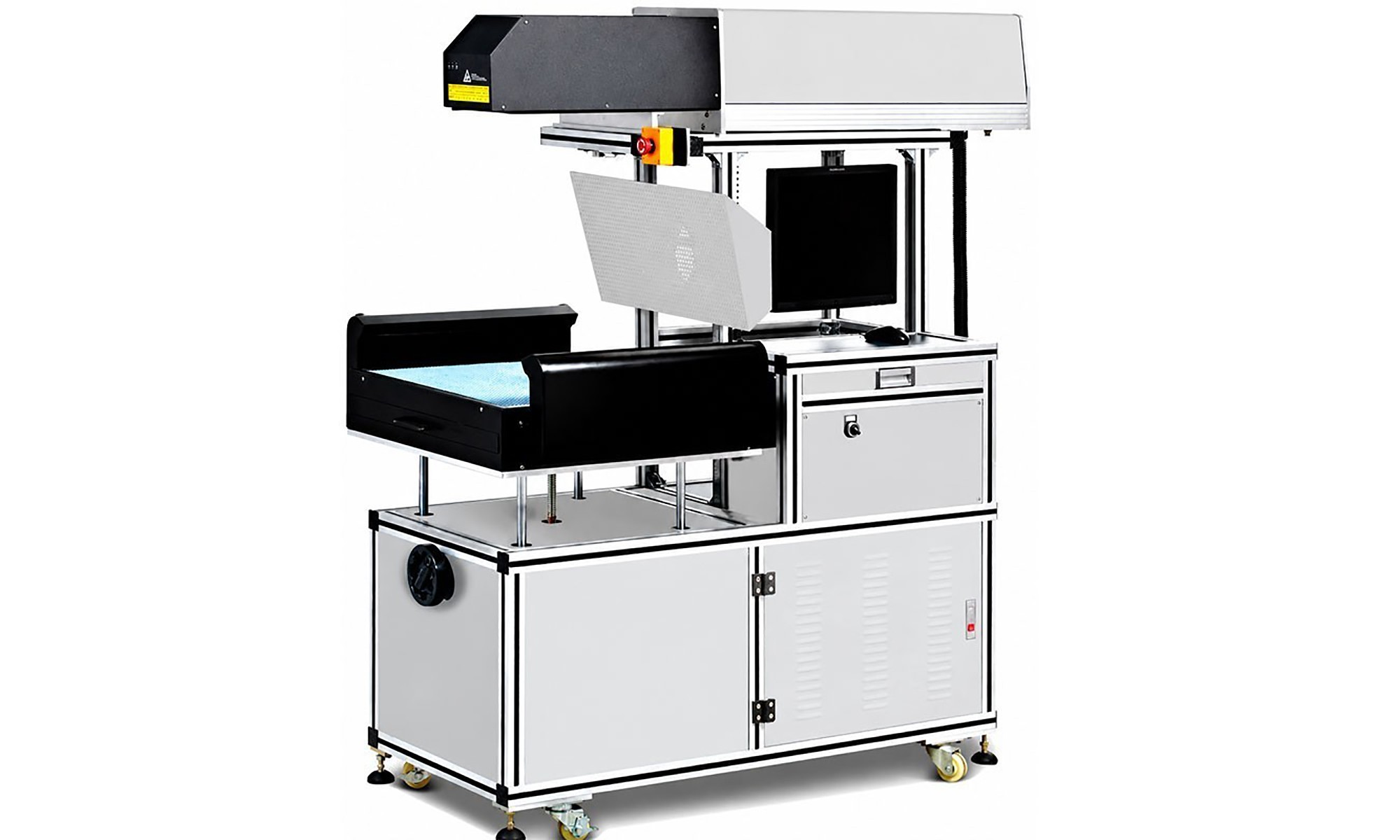
Standalone / Enclosed CO2 Laser Marking Machine
- Best for: Industrial production, dedicated marking stations, safety-critical environments
- Pros: Full safety enclosure, integrated fume extraction, stable, built for continuous use
- Cons: Larger footprint, higher cost
- Typical power: 20W–100W
- Price: $6,000–$20,000+
Portable / Handheld CO2 Laser Marking Machine
- Best for: On-site marking, large workpieces, field service
- Pros: Highly portable, can mark large or immovable objects
- Cons: Less precision, requires skilled operator, limited to lower power
- Typical power: 20W–40W
- Price: $2,500–$6,000
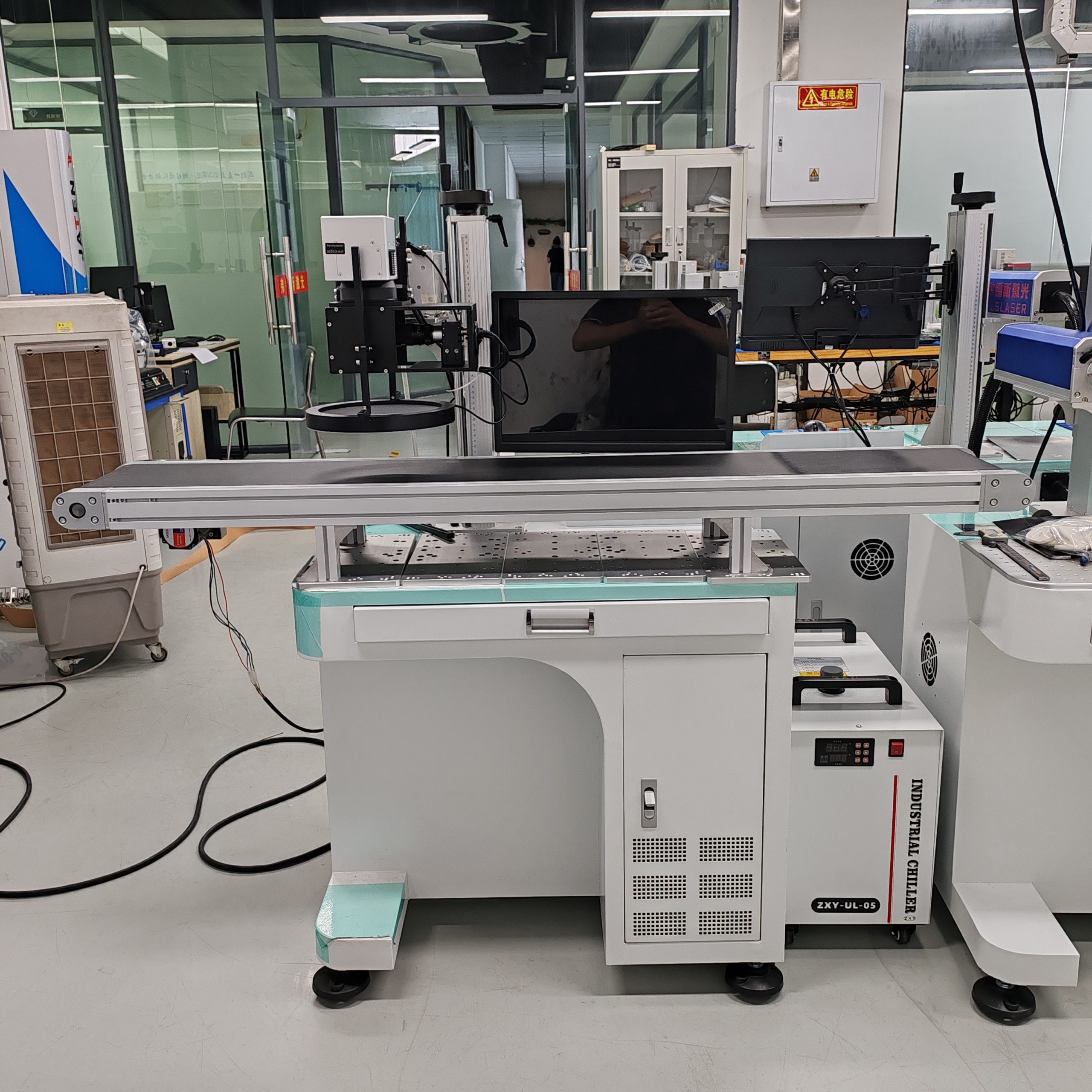
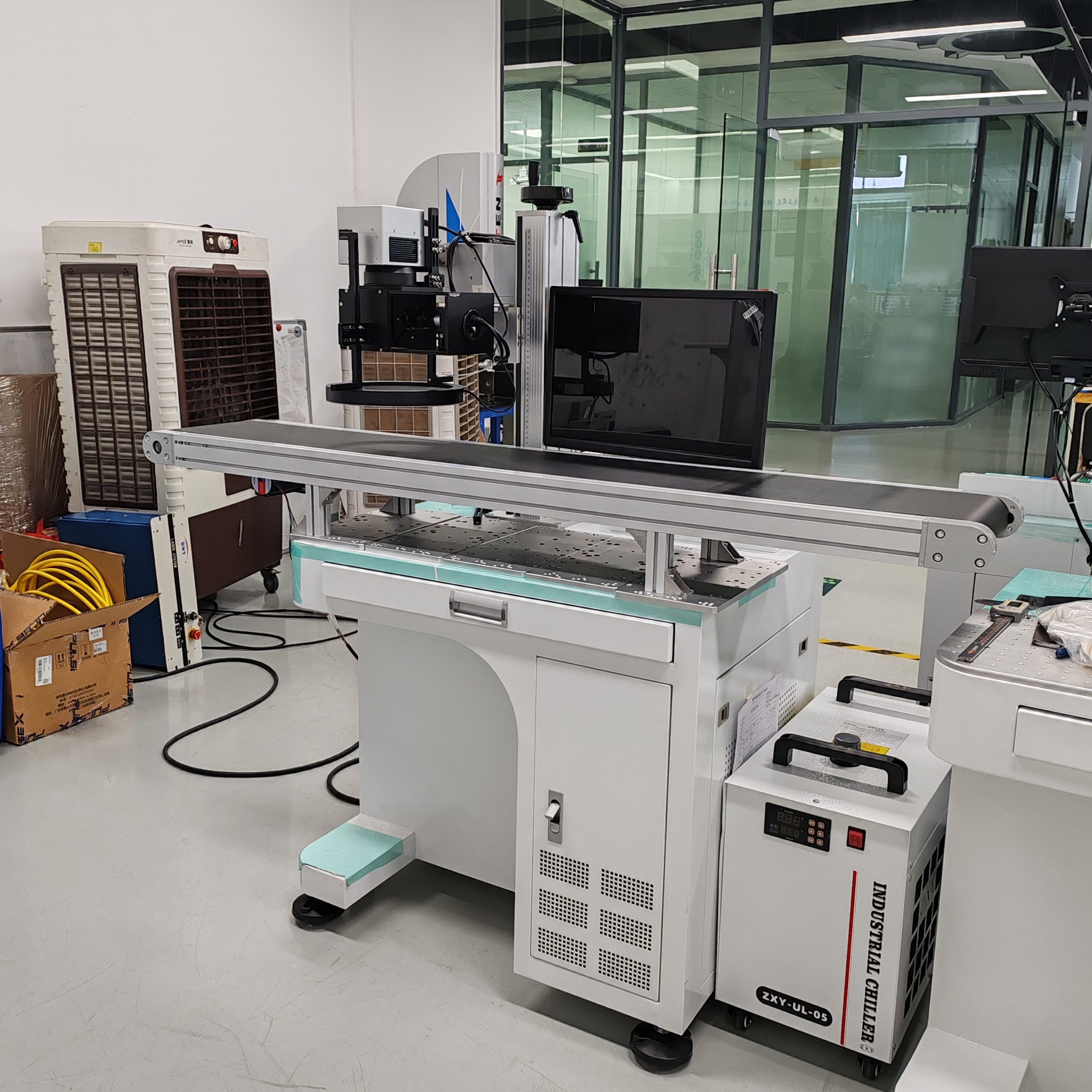
Integrated / Production Line CO2 Laser Marker
- Best for: High-speed packaging lines, automated manufacturing
- Pros: Maximum throughput, fully automated, conveyor integrated
- Cons: Highest cost, requires integration with existing production line
- Typical power: 10W–60W
- Price: $8,000–$30,000+
Starting a CO2 Laser Marking Business: Profit Model and Tips
Many entrepreneurs are drawn to laser marking because of the low entry cost and high profit margins. If you’re considering starting a CO2 laser marking machine business, here’s what you need to know:
Startup Costs:
- 30W–40W machine: $3,000–$6,000
- Fume extractor: $300–$800
- Rotary attachment: $200–$400
- Initial material inventory: $500–$1,500
- Software (LightBurn, design tools): $100–$500
- Website and marketing: $300–$1,000
- Total startup: ~$4,400–$10,200
Profitable Niches to Consider:
- Personalized gifts — tumblers, phone cases, wedding favors, custom jewelry boxes
- Small business branding — product marking, packaging, promotional items
- Industrial contract marking — local manufacturers that outsource marking
- Signage and awards — trophies, nameplates, office signs
- Woodworking and crafts — custom cutting boards, wooden utensils, wall art
Pricing Strategy:
- Most laser marking businesses charge $10–$50 per item for customization
- Setup fee: $20–$100 for new designs
- Volume discounts: 10%–30% for orders of 50+ units
- Target profit margin: 50%–70% on custom work
Key success factors:
- Niche down rather than trying to serve everyone
- Invest in high-quality product photos for your website and social media
- Build relationships with complementary businesses (gift shops, promotional product companies, manufacturers)
- Offer fast turnaround times — this is a major competitive advantage
- Continuously learn new materials and techniques to expand your service offerings
Frequently Asked Questions About Buying a CO2 Laser Marking Machine
Q: What is the best CO2 laser marking machine for a small business?A: For most small businesses and startup laser marking operations, a 30W–40W desktop CO2 laser marking machine with EZCad or LightBurn software offers the best balance of price, quality, and versatility. Look for a machine with a 110×110 mm or 150×150 mm marking area, a rotary attachment option, and a supplier with good after-sales support.
Q: How much should I spend on a CO2 laser marking machine?A: Budget depends on your needs. Hobbyist and entry-level machines cost $1,500–$3,500. Mid-range industrial machines for serious production cost $3,500–$8,000. Premium and heavy-duty systems cost $8,000–$25,000+. Most established small businesses and workshops should budget $4,000–$7,000 for a reliable mid-range machine.
Q: Is it better to buy from China or a local supplier?A: Chinese CO2 laser marking machines typically offer 30%–50% lower prices for equivalent specifications, and quality has improved dramatically. The trade-off is that local suppliers provide faster service, easier communication, and warranty support without shipping delays. If you’re buying a high-value production machine, prioritize support. For entry-level and mid-range machines, Chinese brands like FLS Laser often provide excellent value with international service options.
Q: What wattage CO2 laser marking machine do I need?A: For surface marking on plastics, leather, and paper, 20W–30W is sufficient. For engraving wood, acrylic, and deeper marks, choose 40W–60W. For cutting and deep engraving thick materials, go with 80W–100W+. Always test your specific materials before deciding.
Q: How long does it take to learn to use a CO2 laser marking machine?A: Basic operation (marking simple text and logos) can be learned in a few hours to a day. Mastering advanced features, material parameter tuning, and complex designs typically takes 1–2 weeks of regular practice. Most suppliers provide training videos, manuals, and live support to get you started.
Q: What safety equipment do I need?A: At minimum, you need laser safety goggles rated for CO2 wavelength (10.6 µm, OD 7+), a fume extraction system to remove laser-generated fumes, and proper ventilation. For enclosed systems, ensure the interlocks work correctly. Never operate an open-frame laser in an unsupervised area with untrained personnel.
Q: Can I test materials before buying?A: Yes, and you absolutely should. Reputable suppliers offer free sample marking — send them your actual material or parts, and they’ll mark them with your logo or design and return photos or physical samples. This is the best way to verify mark quality, contrast, and speed before you invest. FLS Laser offers free sample testing for all potential customers.
Final Checklist Before You Buy
Before you place an order for your CO2 laser marking machine, go through this checklist:
- [ ] Defined my exact application and materials
- [ ] Tested the machine on my actual materials (sample test)
- [ ] Calculated ROI and payback period
- [ ] Budgeted for hidden costs (fume extractor, spare parts, training, shipping)
- [ ] Verified the supplier’s warranty and after-sales support terms
- [ ] Checked safety certifications required in my country
- [ ] Compared at least 3 suppliers and quotes
- [ ] Read customer reviews and asked for references
- [ ] Confirmed software compatibility with my workflow
- [ ] Asked about tube replacement cost and availability
A CO2 laser marking machine is a long-term investment that can dramatically improve your business. Take the time to research, test, and compare options — the extra effort upfront will pay off in years of reliable, profitable operation.
Related Articles:CO2 Laser Marking Machine Market Report 2026: Size, Trends, and Industry Outlook